> ## Documentation Index
> Fetch the complete documentation index at: https://easymate.ai/docs/llms.txt
> Use this file to discover all available pages before exploring further.
# Analytics
> Reports on how people use your assistants and app, with views for engagement, knowledge, and usage.
**Analytics** in the Builder collects reports on how your assistants and app are doing. The solution pages show simple summaries; this is the fuller picture, split into three views.
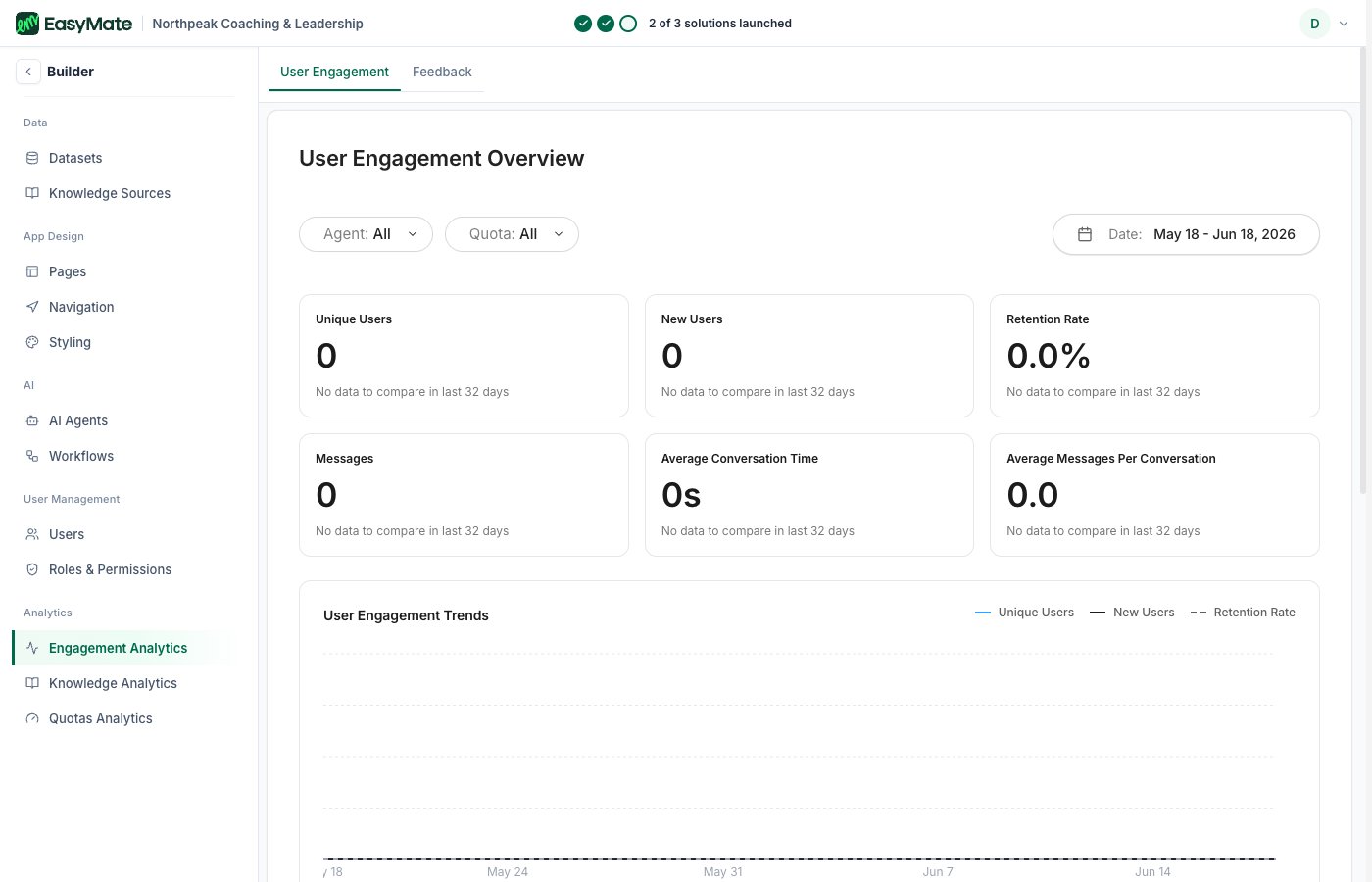 ## Engagement
How people are engaging with your assistants, such as how many conversations and messages there are and how that changes over time.
## Knowledge
How your [knowledge](/docs/going-deeper/builder/knowledge-sources) is performing: what your assistants are drawing on to answer questions, so you can spot gaps and improve your content.
## Quotas
Your usage against your plan's limits, so you can see how much of your allowance you've used.
These reports are for insight only. Nothing here changes how your assistants behave; it's a place to check what's working and where to improve.
## Engagement
How people are engaging with your assistants, such as how many conversations and messages there are and how that changes over time.
## Knowledge
How your [knowledge](/docs/going-deeper/builder/knowledge-sources) is performing: what your assistants are drawing on to answer questions, so you can spot gaps and improve your content.
## Quotas
Your usage against your plan's limits, so you can see how much of your allowance you've used.
These reports are for insight only. Nothing here changes how your assistants behave; it's a place to check what's working and where to improve.