> ## Documentation Index
> Fetch the complete documentation index at: https://easymate.ai/docs/llms.txt
> Use this file to discover all available pages before exploring further.
# Integrations
> Connect external apps to your EasyMate app, like Google Drive, with more on the way.
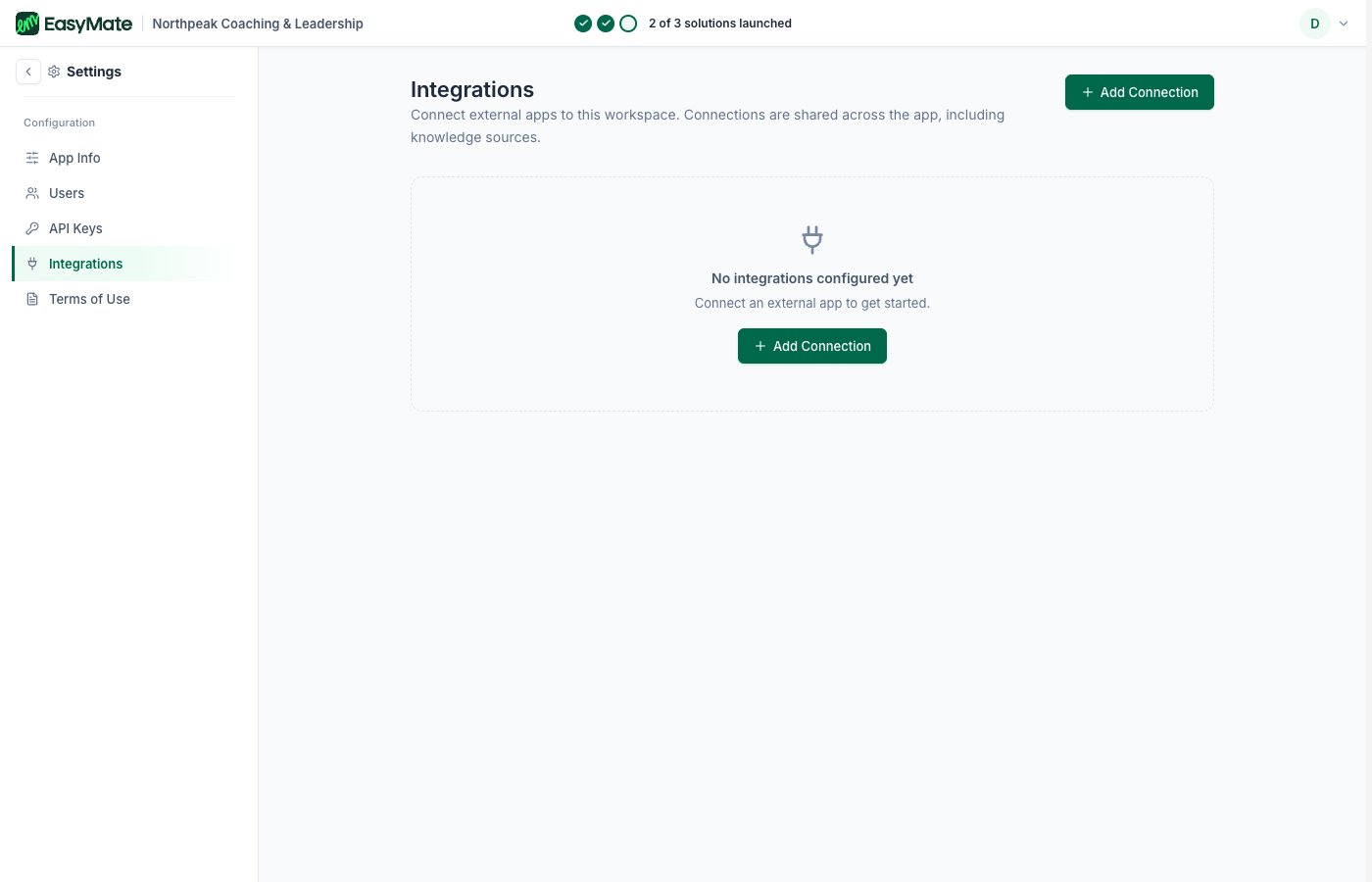
**Integrations** is where you connect external apps to your EasyMate app, so they can work together with your assistants and data.
 ## Available now
* **Google Drive:** connect a Google Drive as a file source. Once it's connected, you manage or disconnect it from the same place.
More integrations are on the way. The Integrations page shows what's available today and flags each new one as it ships.
If nothing is connected yet, you'll see "No integrations configured yet." Connecting one is as simple as choosing it and following the sign-in.
## Available now
* **Google Drive:** connect a Google Drive as a file source. Once it's connected, you manage or disconnect it from the same place.
More integrations are on the way. The Integrations page shows what's available today and flags each new one as it ships.
If nothing is connected yet, you'll see "No integrations configured yet." Connecting one is as simple as choosing it and following the sign-in.