

Inviting someone
- Open your Leads Portal and go to Users.
- Click Invite User.
- Enter one or more email addresses (you can add up to 20 at once).
- Enter the person’s first name.
- Choose their role (see below).
- Optionally add a short message to include in the invitation email.
- Click Send Invite.
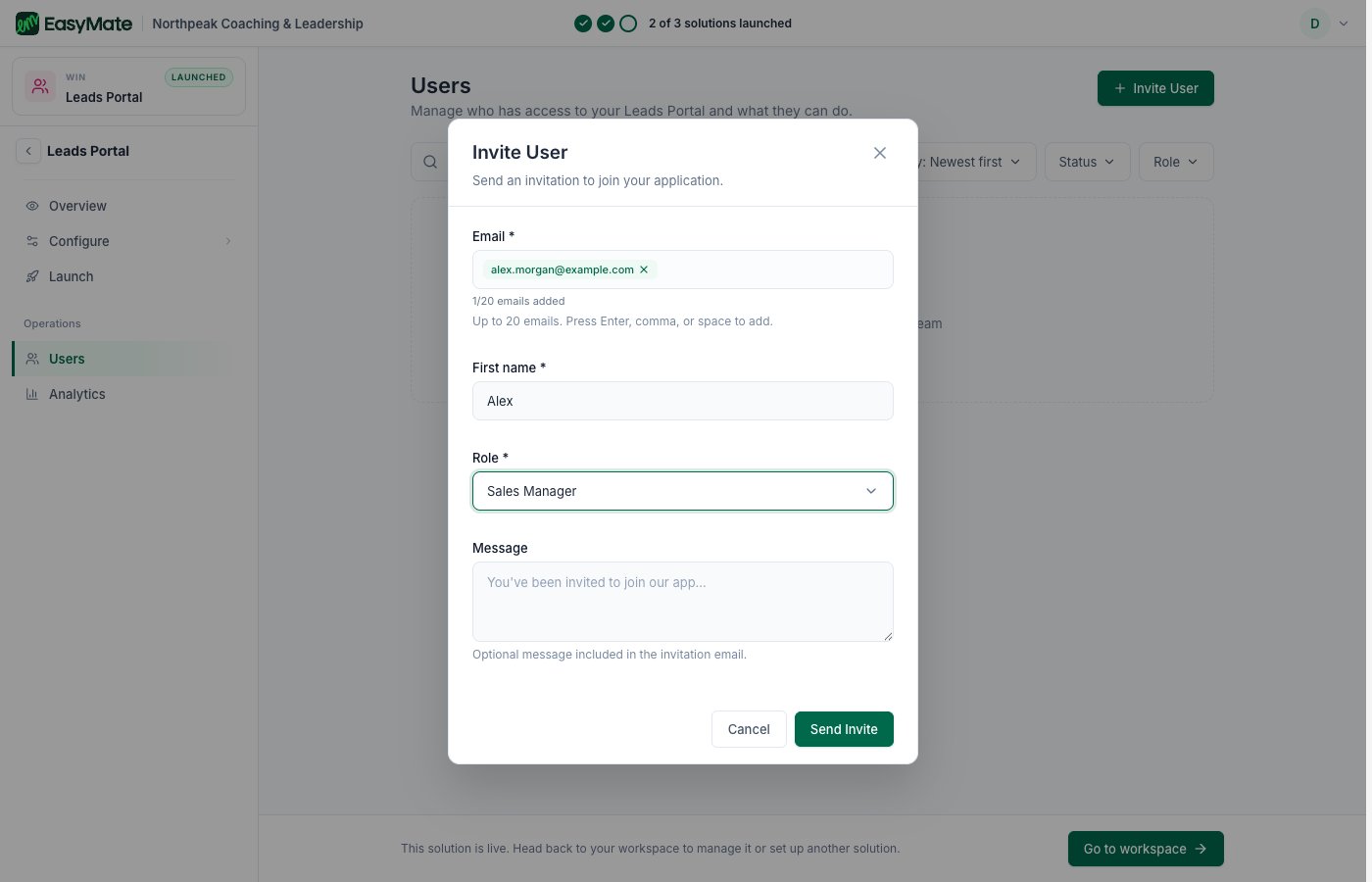
Invite teammates by email, give them a role, and optionally add a personal message.
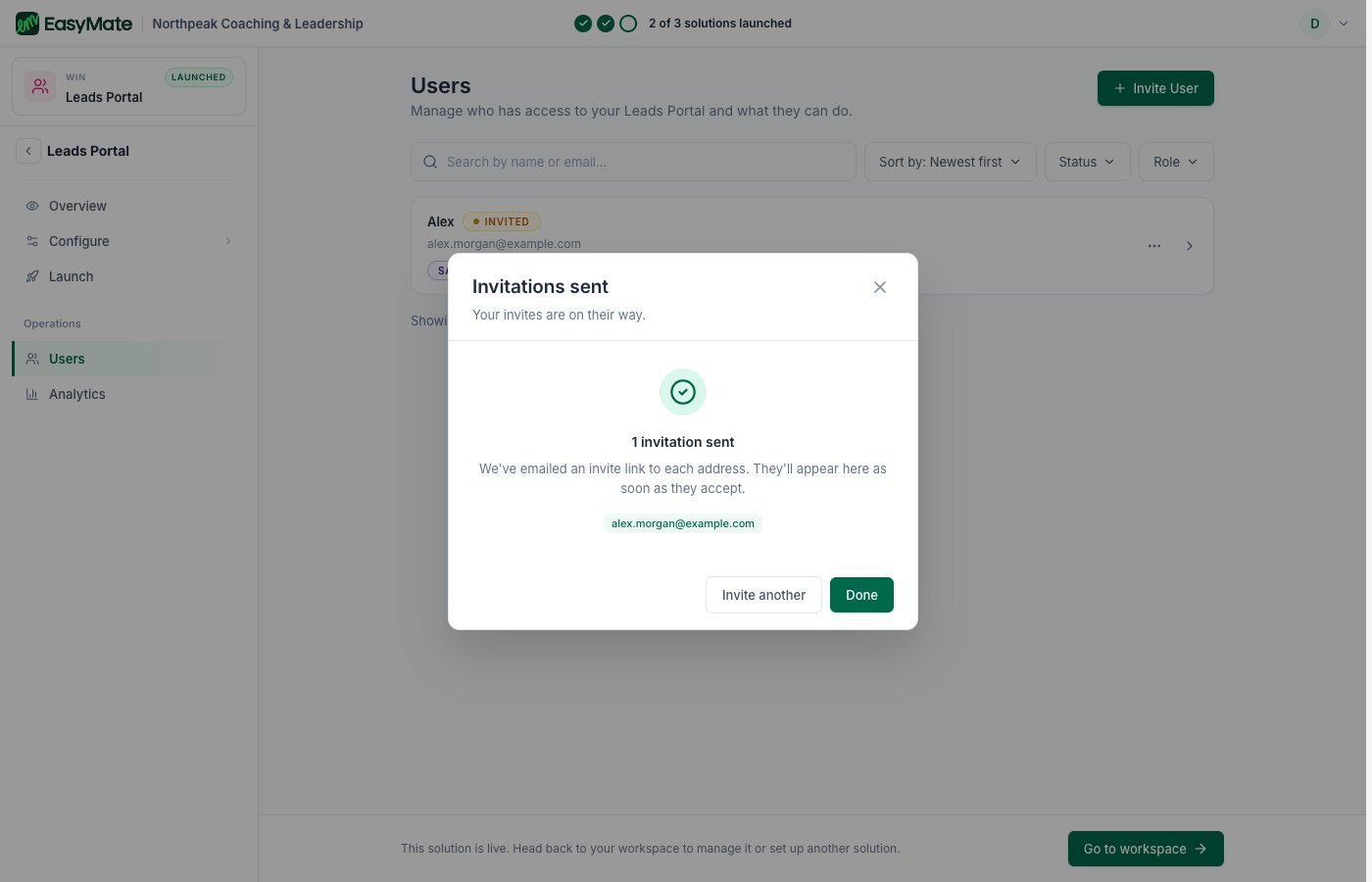
EasyMate confirms the invites are on their way. People appear in your list as soon as they accept.
Roles
A person’s role decides what they can see and do. The roles are:- Administrator: full control over everything, including your team and settings.
- Sales Manager: can view and manage all leads and customer activity.
- Sales Representative: can manage their own leads and activities.
- Viewer: can view everything but can’t make changes.
You can rename any role to match how your team talks. Pick the smallest role that lets someone do their job, and you can change anyone’s role later from the same Users area.