App Design is where you shape your hosted app itself: its pages, its menus, and its styling. A solution like the Leads Portal gives you a ready-made app with sensible defaults, and App Design is the full control underneath. Your Leads Portal is one ready-made example of a hosted EasyMate app, and the same App Design tools can reshape it into other kinds of internal apps for your team.
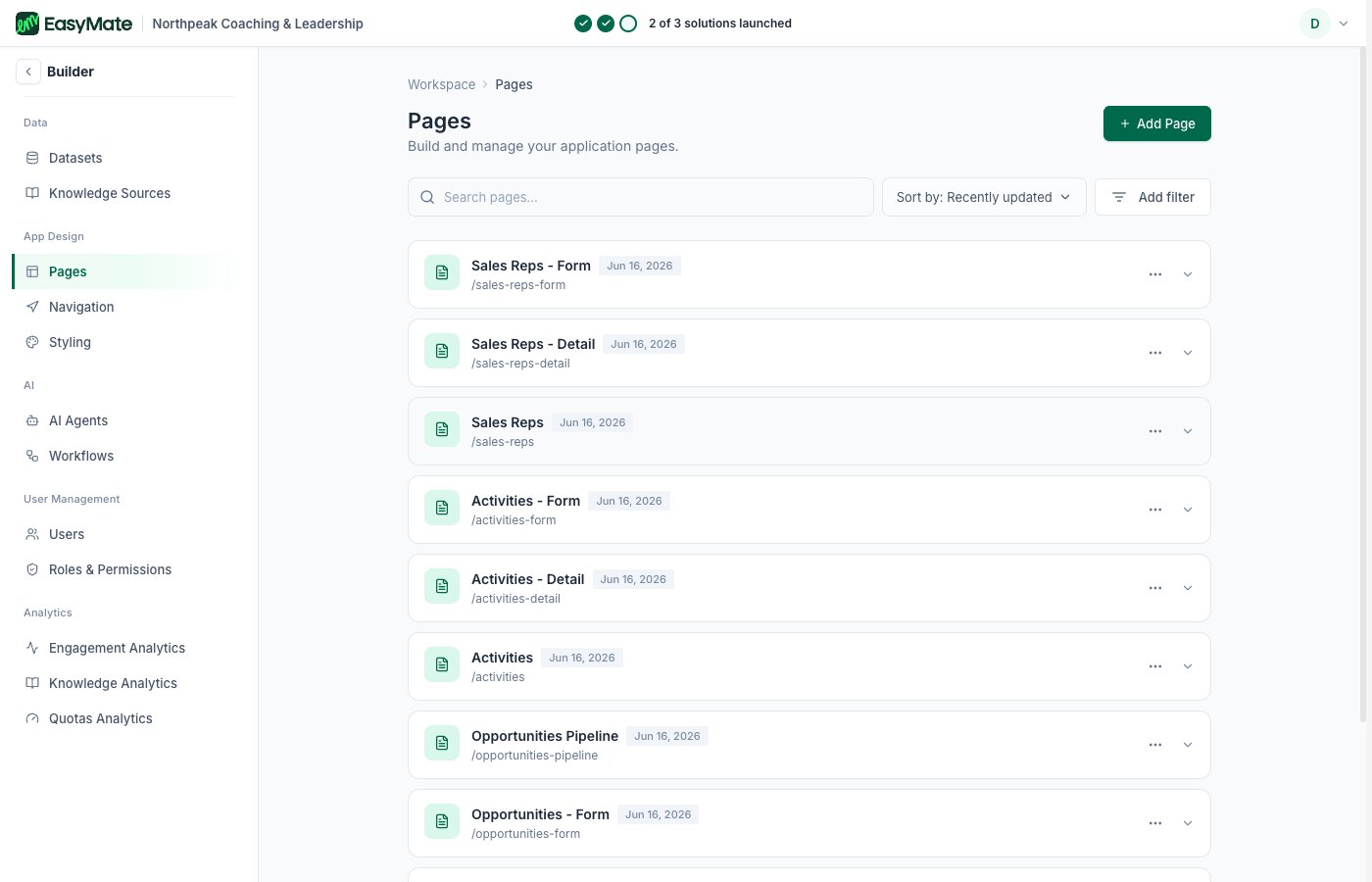
The App Design Pages area in the Builder

Pages

Build and manage the pages of your app. Each screen your team uses (the dashboard, leads, and so on) is a page here, and you can edit a page’s settings or add new ones. Control how people move around your app.
  • Main Navigation: choose which pages show in the primary menu and reorder them.
  • Footer Navigation: manage the links in the footer.
  • Homepage: set the page people land on after they sign in.

Styling

The full styling controls for your app: colors, fonts, logo, and theme. This is the advanced version of the Leads Portal’s Branding and settings. Changes here apply across the whole app, with a live preview as you go.