

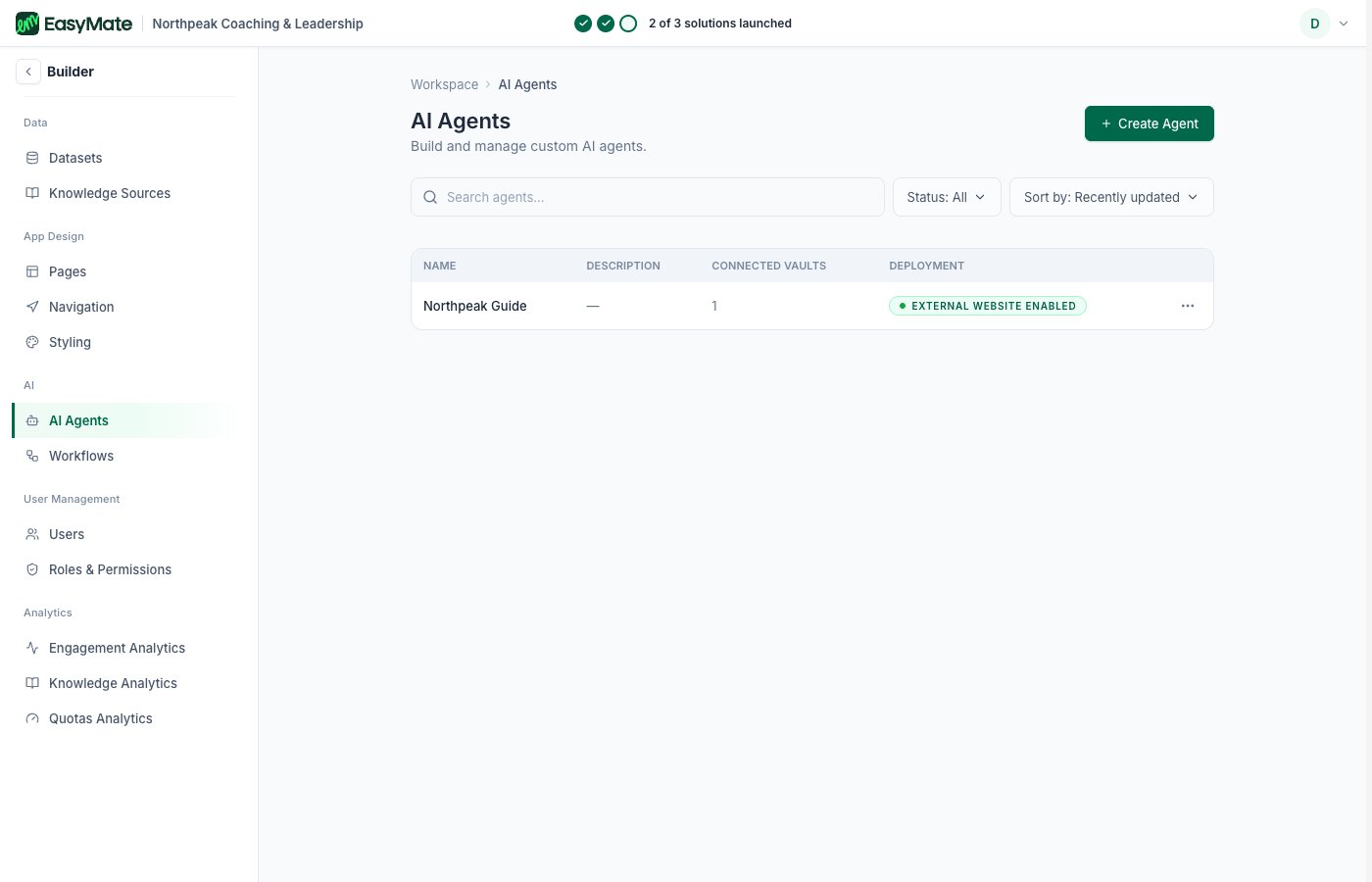
Each agent your solutions build shows up here, with all its settings.
Managing an agent
Open an agent and you’ll find the same areas the setup wizard walks through, plus several it doesn’t show. The familiar ones:- Basic information: the agent’s name, avatar, and personality.
- Goals: what the agent is for, such as capturing leads, booking meetings, answering FAQs, or customer support.
- Instructions: the rules the agent follows and the topics it avoids. This is the fuller version of the simple rules in the wizard.
- Knowledge: the datasets and knowledge sources the agent answers from.
- Conversation settings: the greeting, starter questions, and the chat button label.
- Look and feel: the avatar, colors, and where the chat sits on your page.
- Custom Skills: let the agent do more than chat, such as running specific actions or using connected tools.
- Memory: control what the agent remembers from past conversations.
- Message limits: cap how many messages the agent handles over a period.
- Availability: control when the agent is active.
- Lead scoring and questions: fine-tune how the agent qualifies and rates the leads it talks to.
These are the same agents your solutions use, so a change here changes your live assistant. Adjust one thing at a time, and use the preview to test before you launch.
Beyond the settings
Each agent also has a few operational views:- Conversations: the full history of chats the agent has had, more detail than the summary on the solution page.
- Flagged Messages: messages the agent marked for your attention, so you can review them and improve its answers.
- Analytics: reports on how that agent is performing.
- Memory: a look at what the agent has remembered.
- Launch: take the agent live or offline, the same launch you do from the solution.