

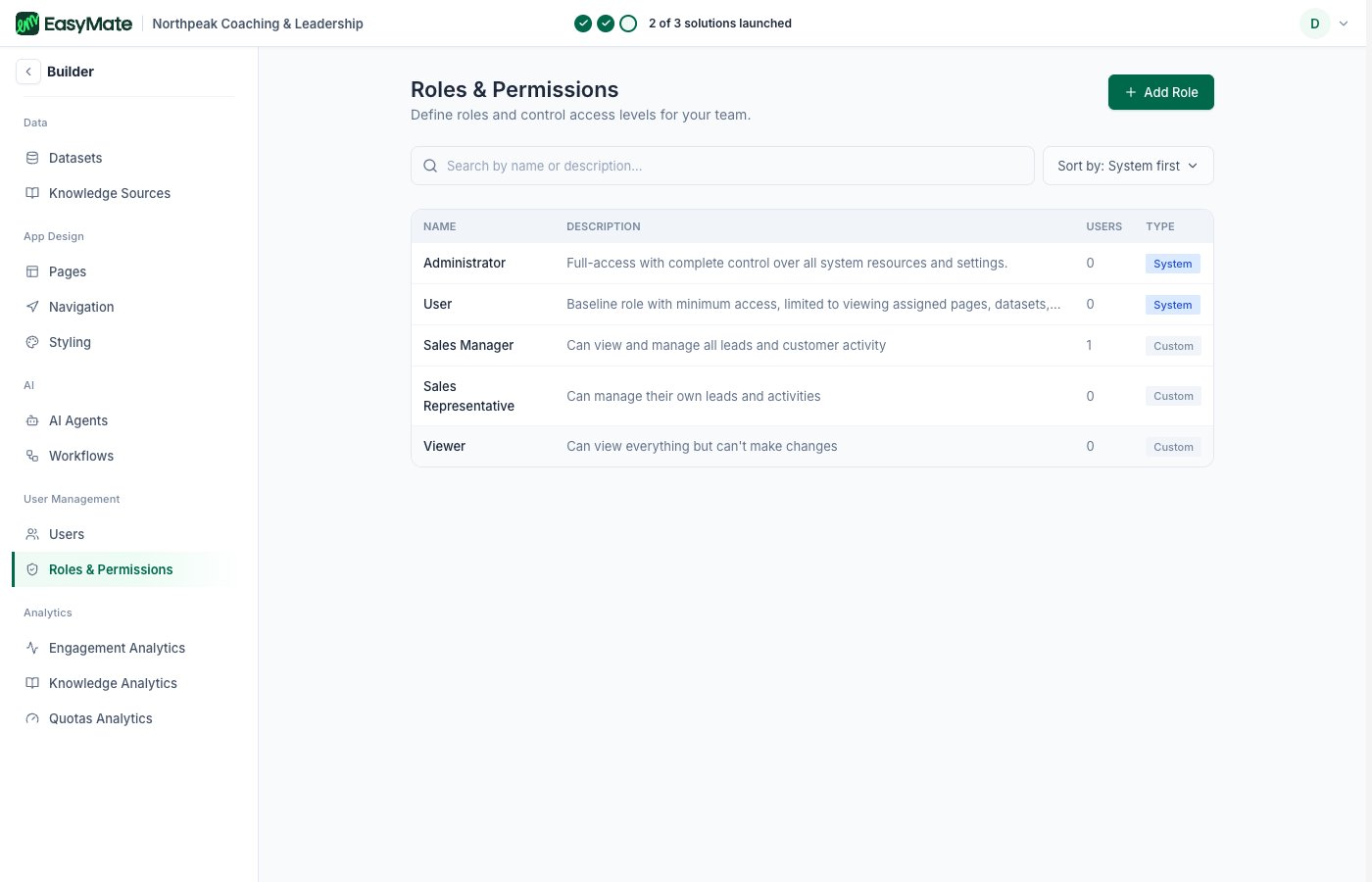
Built-in (System) roles plus the custom roles your solution created, with what each can do.
Users
The Users list shows everyone with access to your app, the same people you manage from your Leads Portal’s Your team and roles. You invite and manage them the same way.Roles & Permissions
Your solution gives you a few ready-made roles (Administrator, Sales Manager, Sales Representative, Viewer). Here you can go further:- See your roles: each role shows its name, description, how many users have it, and whether it’s a built-in (System) role or one you made (Custom).
- Add a role: create a custom role that fits how your business works.
- Set its access: open a role to control what it can see and do, in much finer detail than the simple solution roles.
Roles here can be far more specific than the simple solution roles, so give each person the least access they need to do their job. You can change anyone’s role later.